What Is IPTV Streaming?
IPTV stands for Internet Protocol Television. It is the delivery of television content — live broadcast channels, sports events, news, and on-demand video — over your broadband internet connection rather than through traditional cable infrastructure, satellite dishes, or over-the-air antenna signals. The underlying technology is the same IP protocol that carries web traffic, email, and streaming audio; IPTV simply applies it to television-format video content.
The practical implication of this delivery method is significant: IPTV breaks the geographic and hardware constraints that define traditional broadcasting. A viewer in the United States can access UK programming; a British expat living in Canada can watch Premier League matches on a Friday evening the same way they would at home. The content travels across the same global internet infrastructure rather than being constrained by the physical reach of a cable provider's network or a satellite's footprint.
IPTV streaming is not a single product or service — it is a technology category. Just as "streaming" describes how Netflix and Spotify deliver content without being the same service, "IPTV streaming" describes a delivery method implemented by many different providers, across different content catalogues, at different quality levels and price points. The quality of your IPTV streaming experience is determined primarily by which IPTV provider you choose and the stability of your internet connection — not by the technology itself.
IPTV streaming services typically offer three categories of content: live channels (broadcasting in real time, identical to watching traditional TV), time-shifted media (catch-up viewing of recently broadcast content), and video on demand (a library of films and series available at any time). The combination of all three in a single subscription is what makes IPTV a compelling replacement for cable rather than merely a supplement to it.
How IPTV Streaming Works Technically
Understanding the technical mechanism behind IPTV streaming helps you make better decisions about equipment, internet connectivity, and troubleshooting. The explanation is less complex than it might sound.
When a broadcaster's live signal is ingested into an IPTV system, it is encoded into a digital video format — typically H.264 or the more efficient H.265 (HEVC) — and divided into small data packets. These packets are transmitted across the internet using standard IP protocols to a content delivery network (CDN) consisting of servers distributed geographically. When you select a channel on your IPTV player app, your device sends a request to the nearest available server, which begins streaming the relevant data packets directly to your device in sequence. Your player app receives, reassembles, and decodes the packets as they arrive, producing the live video you see on screen.
This process happens continuously in real time for live channels. The key technical challenge is latency management: minimising the delay between the broadcaster's live signal and what appears on your screen. Quality IPTV providers invest in infrastructure specifically to reduce this latency to a few seconds — close enough that live sports viewing remains viable and the experience closely mirrors traditional broadcast television.
There are two primary delivery formats you will encounter when setting up an IPTV service. M3U playlists are text files containing a list of channel stream URLs, which IPTV player apps load and present as a channel guide. Xtream Codes is a more structured format using a username, password, and server URL that connects to a panel-managed channel list — generally offering better organisation, EPG (electronic programme guide) support, and on-demand library integration. Both formats are widely supported by modern IPTV player applications.
IPTV Streaming vs Cable & Satellite TV
The comparison between IPTV streaming and traditional cable or satellite television is increasingly the central purchasing decision for households evaluating their TV arrangements. Understanding the meaningful differences — rather than relying on marketing claims from either direction — helps you assess which approach suits your situation.
Cable and satellite TV providers operate physical distribution infrastructure: coaxial cable networks, satellite uplinks, proprietary set-top boxes, and installation processes that involve engineer visits and specific geographic coverage areas. That infrastructure is expensive to build and maintain, which is partly why traditional cable contracts typically involve long minimum terms, equipment hire fees, and limited flexibility to change your package without penalty.
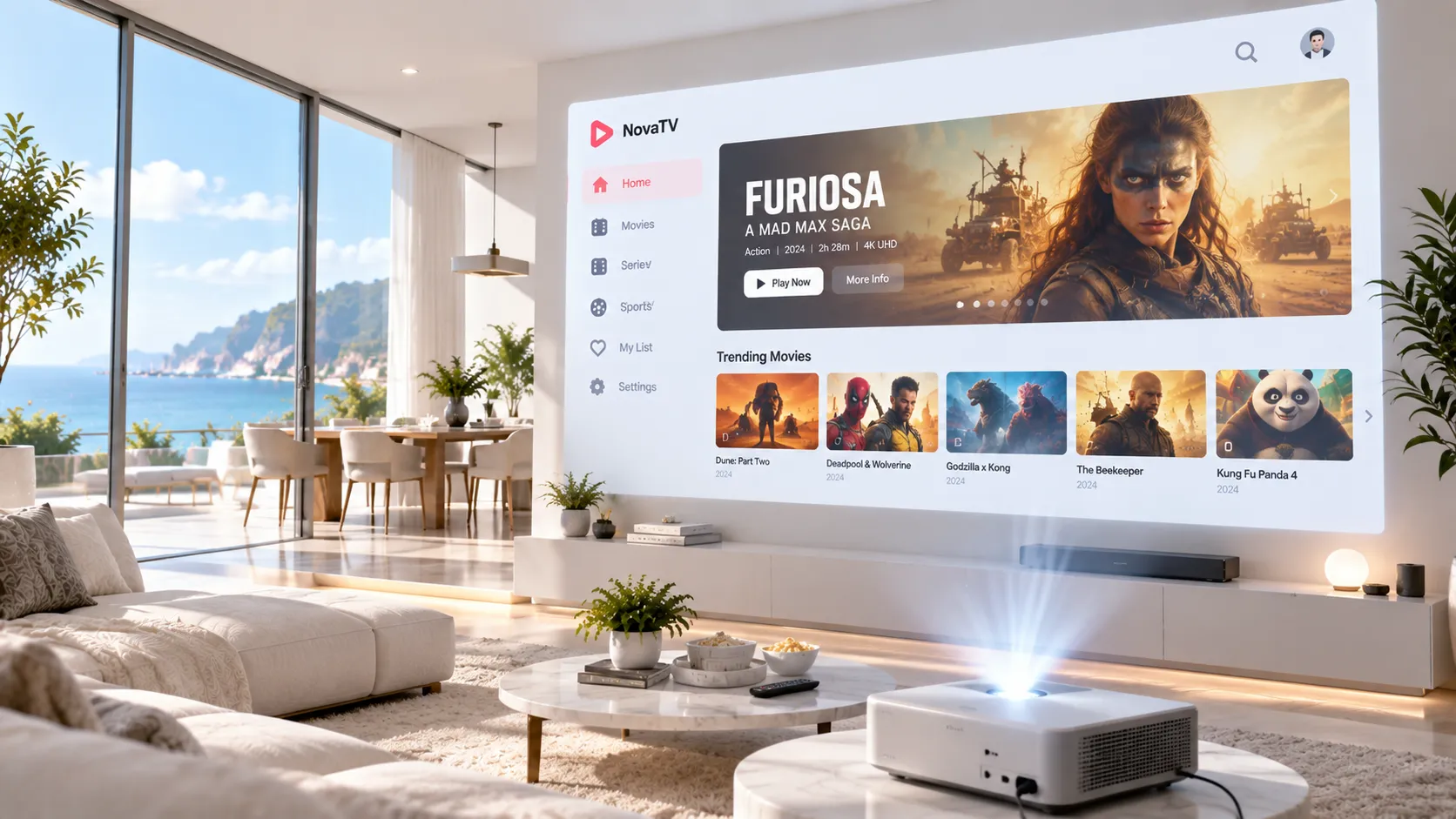
IPTV streaming requires none of that physical infrastructure on the viewer's side. Your existing broadband connection is the delivery mechanism; your existing devices — smartphone, Smart TV, Firestick, tablet — are the viewing hardware. There is no proprietary set-top box to rent, no engineer visit to schedule, and no geographic service area to fall within. The subscription activates digitally and begins working on your devices within minutes.
The meaningful advantage cable retains is reliability during local network outages. If your broadband goes down, IPTV streaming stops; a satellite or cable signal typically continues independently of your internet connection. For households in areas with very stable broadband, this is a minor practical concern. For those with unreliable internet, it is worth factoring into the decision.
| Feature | IPTV Streaming | Cable TV | Satellite TV |
|---|---|---|---|
| Installation | None required | Engineer visit | Dish installation |
| Hardware | Your existing devices | Proprietary set-top box | Proprietary receiver |
| Contract | Monthly or flexible | Typically 12–24 months | Typically 12–24 months |
| Geographic coverage | Worldwide (internet only) | Local provider area only | Satellite footprint |
| Channel flexibility | High — switch providers easily | Low — locked to provider | Low — locked to provider |
| Multi-device | Yes — any screen | Limited — set-top box | Limited — receiver |
| Internet dependency | Yes — broadband required | No | No |
IPTV Streaming vs Netflix, Disney+ and VOD Services
A common point of confusion is the relationship between IPTV streaming and subscription video-on-demand (SVOD) services like Netflix, Disney+, Amazon Prime Video, and HBO Max. These are different technologies serving different viewing needs, and understanding the distinction is essential before deciding whether IPTV is right for you.
SVOD platforms are essentially digital video libraries. Their content is pre-recorded, curated into a catalogue, and available at any time — but it is fixed to what the platform has licensed. There are no live channels. When a major sporting event happens, Netflix is not broadcasting it. When breaking news develops, Disney+ does not have a live news feed. SVOD services are excellent for entertainment consumption at your own pace; they are not designed to replace the live broadcast experience.
IPTV streaming fills this gap. It provides the live broadcast experience — channels streaming in real time, including live sports, news, and event television — alongside on-demand content. For households that still want the experience of turning on a television and finding live content, rather than actively choosing something from a library, IPTV is the technology that replicates that experience without a cable subscription.
In practice, many households use both. IPTV streaming handles the live TV and sports streaming function; SVOD services like Netflix handle film and series consumption from curated libraries. These use cases are complementary rather than competing. IPTV is specifically suited to viewers who find that their SVOD subscriptions cover on-demand entertainment adequately but leave a gap in live content — and who are unwilling to maintain a cable contract just to fill that gap.
What You Need to Start IPTV Streaming
Getting started with IPTV streaming requires fewer components than most first-time users expect. There are three essential requirements, and for the majority of households, all three are already in place.
This is the foundational requirement. Your broadband connection carries the IPTV stream from the provider's servers to your device. The minimum speed depends on the resolution you want to watch — detailed in the internet speed section below — but virtually any standard domestic broadband package in the USA or UK exceeds the requirement for HD streaming. The more important factor than raw speed is connection stability: a steady 15 Mbps connection produces a better experience than a variable 50 Mbps connection that fluctuates during peak hours.
IPTV streaming works on Amazon Firestick and Fire TV, Android TV boxes, Smart TVs (Samsung, LG, and others), smartphones (iOS and Android), tablets, laptops, and desktop computers. If you already own any of these, you already have the hardware. No proprietary set-top box is required. For the living-room television experience, Amazon Firestick connected to any HDMI-equipped TV is the most cost-effective and widely used setup — and the one we most commonly assist with during Firestick setup guidance.
Your IPTV subscription provides the credentials — M3U URL or Xtream Codes — that give your device access to the channel lineup. A free IPTV player application installed on your device (IPTV Smarters Pro, TiviMate, or similar) reads those credentials and presents you with the channel guide. The player app is the interface; the subscription provides the content. Both are needed; neither is sufficient alone.
Internet Speed Requirements for IPTV Streaming
Your internet connection speed determines the resolution and stability of your IPTV streams. The requirements are lower than most people assume — and are comfortably met by the vast majority of standard broadband packages available in the USA and UK as of 2026. According to Speedtest Global Index data, average fixed broadband download speeds in the USA exceed 240 Mbps and in the UK exceed 110 Mbps — both far above what IPTV streaming requires even for 4K content.
| Resolution | Min. Speed | Recommended Speed | Connection Type | Notes |
|---|---|---|---|---|
| SD (480p) | 3 Mbps | 5 Mbps | Wi-Fi or wired | Older content or limited bandwidth situations |
| HD (720p) | 5 Mbps | 10 Mbps | Wi-Fi or wired | Standard for most IPTV channels |
| Full HD (1080p) | 10 Mbps | 15–20 Mbps | Wired preferred | Most live sports and premium channels |
| 4K UHD | 20 Mbps | 25–35 Mbps | Wired strongly recommended | Dedicated stream bandwidth; avoid simultaneous heavy usage |
| Multiple streams | 10 Mbps per stream | 15–20 Mbps per stream | Wired where possible | Multiply by number of simultaneous viewers |
Wi-Fi signal strength and consistency degrades with distance from your router and through walls. A wired ethernet connection between your router and streaming device eliminates this variability entirely. If running a cable isn't practical, positioning your device as close to the router as possible and using a 5GHz Wi-Fi band (rather than 2.4GHz) meaningfully improves performance. For live sports and events where a stable stream matters most, wired is always the better choice.
Stream Quality Explained: HD, Full HD, and 4K
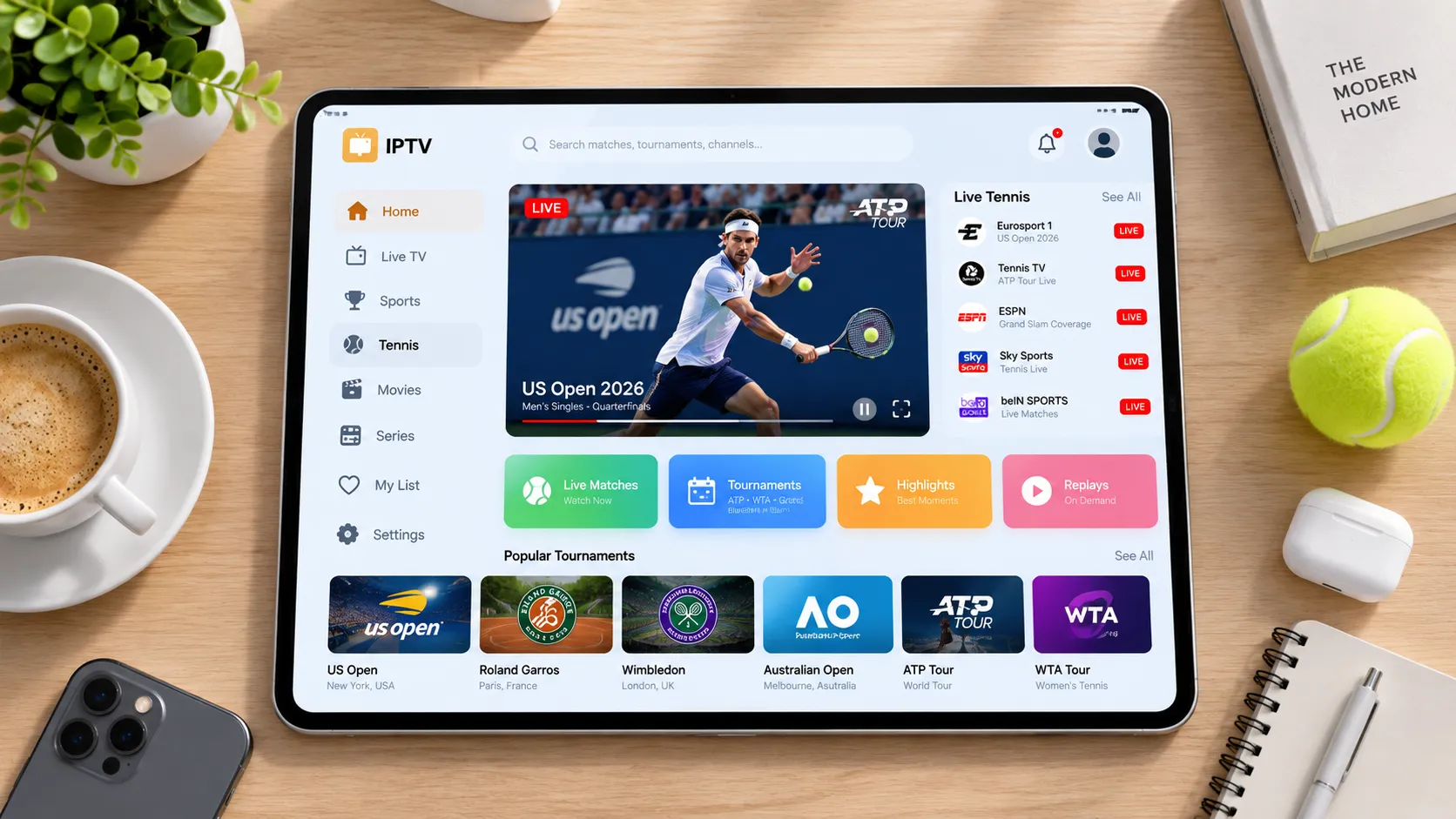
IPTV streaming is capable of delivering content at HD (720p), Full HD (1080p), and 4K UHD (2160p) resolution — provided the provider's servers deliver those streams and your internet connection supports the required bandwidth. Understanding the differences helps you choose the right setup.
HD (720p) is the baseline quality for modern IPTV services and looks sharp on screens up to around 43 inches. Most standard IPTV channels broadcast at this resolution, and it is perfectly adequate for news, general entertainment, and non-sport content where picture sharpness is less critical than during fast-moving action.
Full HD (1080p) is the standard for premium channels and sports broadcasts. On screens from 43 to 65 inches, the difference over 720p is clearly visible — particularly in fast-moving scenes like live sports. Most quality IPTV providers deliver sports channels at 1080p, and it represents the best quality-to-bandwidth ratio for most household setups.
4K UHD (2160p) is increasingly available on premium IPTV services and produces exceptional results on large screens (65 inches and above). It requires a 4K-capable television, a device that supports 4K output (most modern Firestick, Android TV box, and Smart TV models qualify), and a stable connection of at least 25 Mbps dedicated to that stream. The visual improvement on a large 4K display — particularly for live sports — is significant.
Compatible Devices and IPTV Player Applications
One of IPTV streaming's most practical advantages over traditional broadcasting is hardware flexibility. Rather than requiring proprietary equipment, IPTV works through established player applications on devices you already own. Here is a breakdown of the most widely used options.
Amazon Firestick & Fire TV
The most popular IPTV streaming device in the USA and UK. Plug into any HDMI TV port, install IPTV Smarters Pro from the Appstore, enter your credentials, and begin streaming. The Firestick setup guide covers the process step by step.
Android TV Boxes
Devices like the Nvidia Shield, Xiaomi Mi Box, and similar Android TV boxes offer the best overall IPTV experience. TiviMate is the most highly regarded IPTV player for Android TV and provides a polished EPG and channel management interface.
Smart TVs
Samsung (Tizen OS), LG (webOS), and Android TV-based Smart TVs can run IPTV apps directly. Compatibility depends on which apps are available in your TV's app store. For TVs without a compatible IPTV app, connecting a Firestick or Android box via HDMI is a straightforward alternative.
iPhone, Android & Tablets
IPTV streaming works seamlessly on mobile devices. GSE Smart IPTV (iOS and Android) and IPTV Smarters Pro (Android) are widely used options. Mobile streaming is particularly useful for watching content while travelling without relying on local broadcasting.
Laptops & Computers
Desktop IPTV players like VLC Media Player (which supports M3U playlists natively) allow PC and Mac users to stream without additional hardware. Web-based IPTV players also exist for browser-based viewing. Laptops work particularly well as secondary viewing devices.
MAG Boxes
MAG set-top boxes are dedicated IPTV hardware units designed specifically for this use case. They connect to your TV via HDMI and to your network via ethernet or Wi-Fi. MAG boxes require an IPTV portal URL from your provider and are popular among users who prefer a dedicated device over a multi-purpose streaming stick.
IPTV Streaming and Legality: What You Need to Know
IPTV streaming technology is entirely legal. The same is true of the player applications used to access IPTV content — they are general-purpose video tools, not inherently tied to any particular service. The legal question relates specifically to the content licensing status of the IPTV service you subscribe to.
A licensed IPTV service holds commercial agreements with the rights holders — broadcasters, sports leagues, and content producers — for the channels and content it distributes. These services operate legally in the jurisdictions where they hold licenses. An unlicensed service distributes copyrighted content without these agreements, regardless of how cheaply or convincingly it presents itself as a legitimate option.
For consumers, the practical distinction comes down to transparency and accountability: reputable licensed providers are open about what they offer, how they operate, and what their content coverage includes. They maintain customer support, provide usable credentials, and stand behind their service quality. Unlicensed providers typically operate without these assurances.
We've covered this topic comprehensively in our dedicated guide. If you have specific concerns about the legality of IPTV streaming in your region — whether you're in the USA, UK, Canada, or elsewhere — our IPTV legality guide covers the legal landscape in detail, including what licensed services look like, how regulations apply to consumers, and what you should verify before subscribing to any IPTV service.
Before subscribing to any IPTV service, it's worth understanding how content licensing works in your region. Our dedicated guide explains the full picture clearly.
Is IPTV Legal? Full Guide →Frequently Asked Questions About IPTV Streaming
IPTV streaming is the delivery of live television channels, sports broadcasts, and on-demand video over your broadband internet connection using the IP protocol — the same technology that carries all internet traffic. Unlike cable or satellite, IPTV requires no physical infrastructure at your home beyond an internet connection and a compatible device. It gives you the live TV experience without a cable subscription.
HD streaming requires a stable 10 Mbps connection; Full HD (1080p) runs well on 15–20 Mbps; 4K requires 25 Mbps or higher dedicated to the stream. Most standard broadband packages in the USA and UK comfortably exceed these requirements. A wired ethernet connection consistently outperforms Wi-Fi for stability, particularly during live sports events.
Netflix and Disney+ are video-on-demand platforms — fixed libraries of pre-recorded content with no live channels. IPTV streaming includes live broadcast television: news, sports, and live event TV streaming in real time. IPTV replaces your cable or satellite subscription; VOD services complement it. Many households use both — IPTV for live content, Netflix or similar for on-demand entertainment.
Yes. Smart TVs running Android TV, Samsung Tizen, or LG webOS can run IPTV player apps directly from their app stores. For TVs without a compatible IPTV app, connecting an Amazon Firestick or Android TV box via HDMI provides the same functionality and is often a better experience. IPTV effectively works on any internet-connected screen.
IPTV technology itself is entirely legal, as are the player apps used to access it. The legal question relates to whether the specific service you subscribe to holds appropriate broadcasting licenses for the content it distributes. Licensed services operate legally; unlicensed services distributing copyrighted content without permission do not. See our IPTV legality guide for a full breakdown of how the law applies in the USA, UK, and internationally.